
Video Generation
MagiVideo AI Video Generator with Sound
Frontier video models behind one prompt box — Magi 2, Seedance, Kling, Veo and more. Up to 30 seconds of 1080p with dialogue, sound effects and music in a single pass.
- Text to video
- Image to video
- Up to 30 seconds
- Sound in the same pass
- No watermark
The box starts on Magi 2. Open the model list to pick another frontier model — same prompt, one platform.
MagiVideo AI video examples
Clips Sand.ai and Higgsfield published at launch. Turn the sound on: models that support audio make it together with the picture.
 With sound
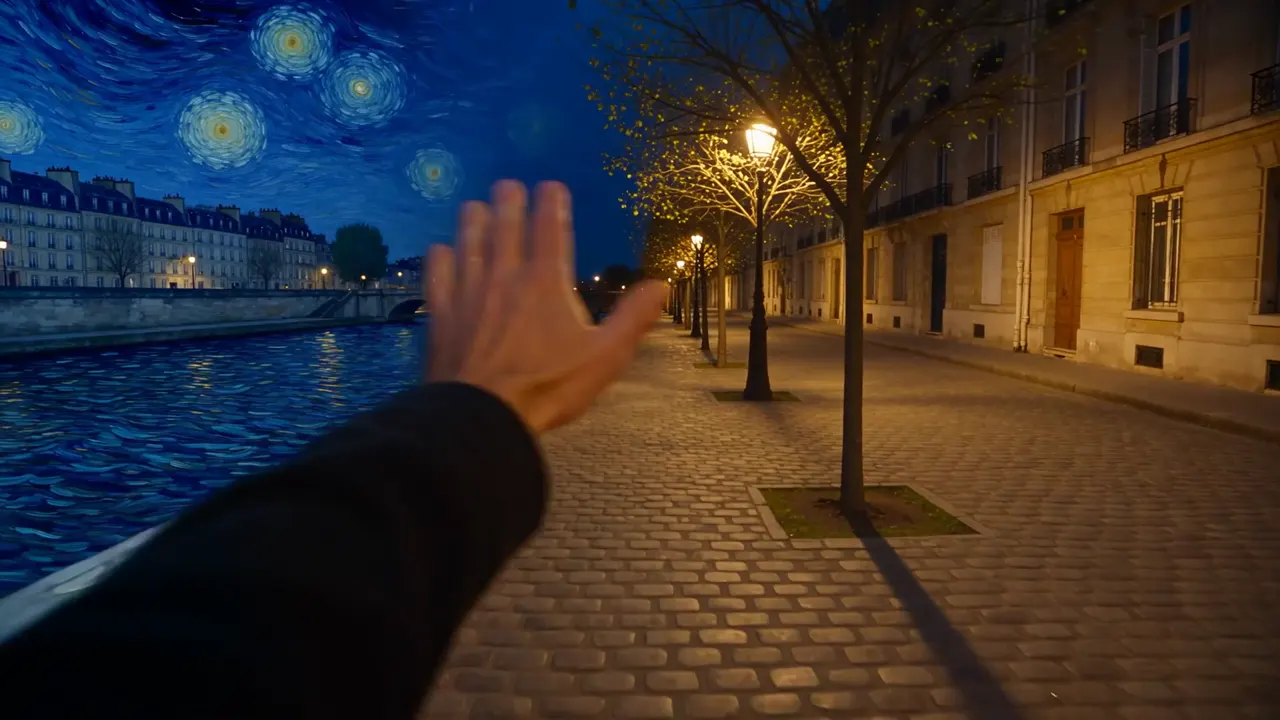
A walk through famous paintings
A first-person stroll that moves through the styles of Van Gogh, Monet, Hokusai and Klimt, with its own soundtrack.
Made with Magi 2 · published by Sand.ai
 With sound
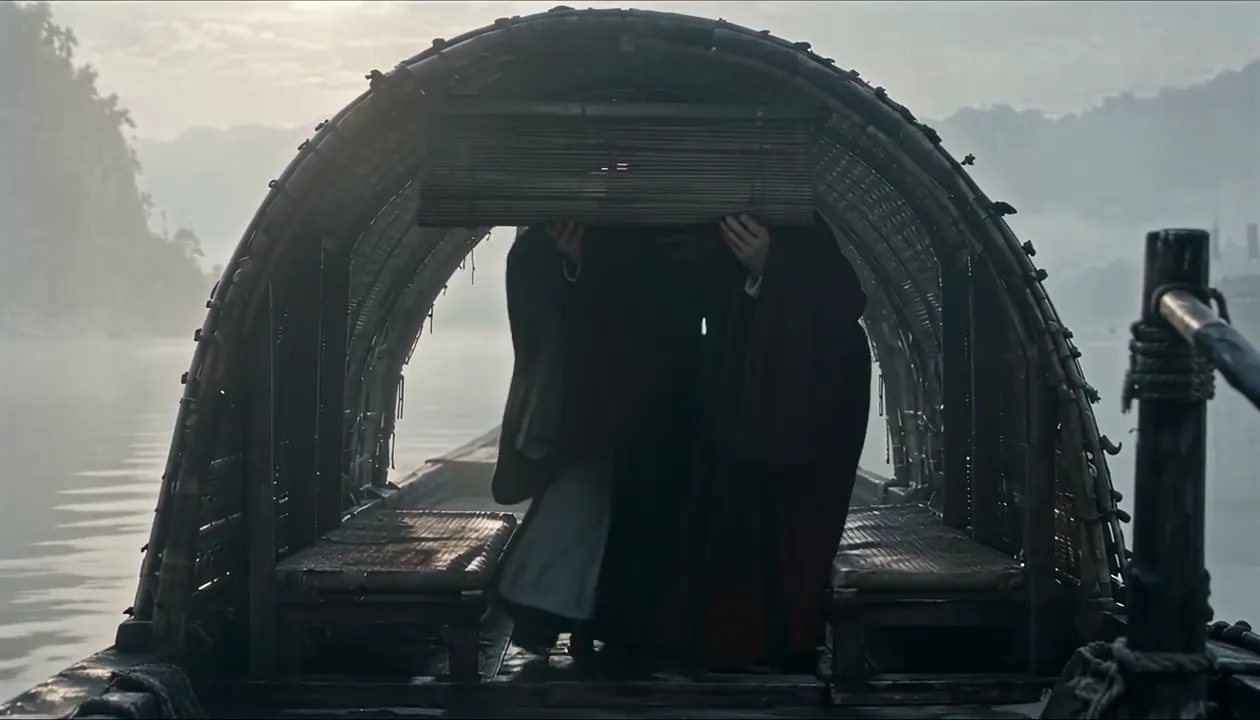
A two-person dialogue scene
A period-drama conversation on a boat: lip-synced speech and room sound from a single generation.
Made with Magi 2 · published by Sand.ai
 With sound
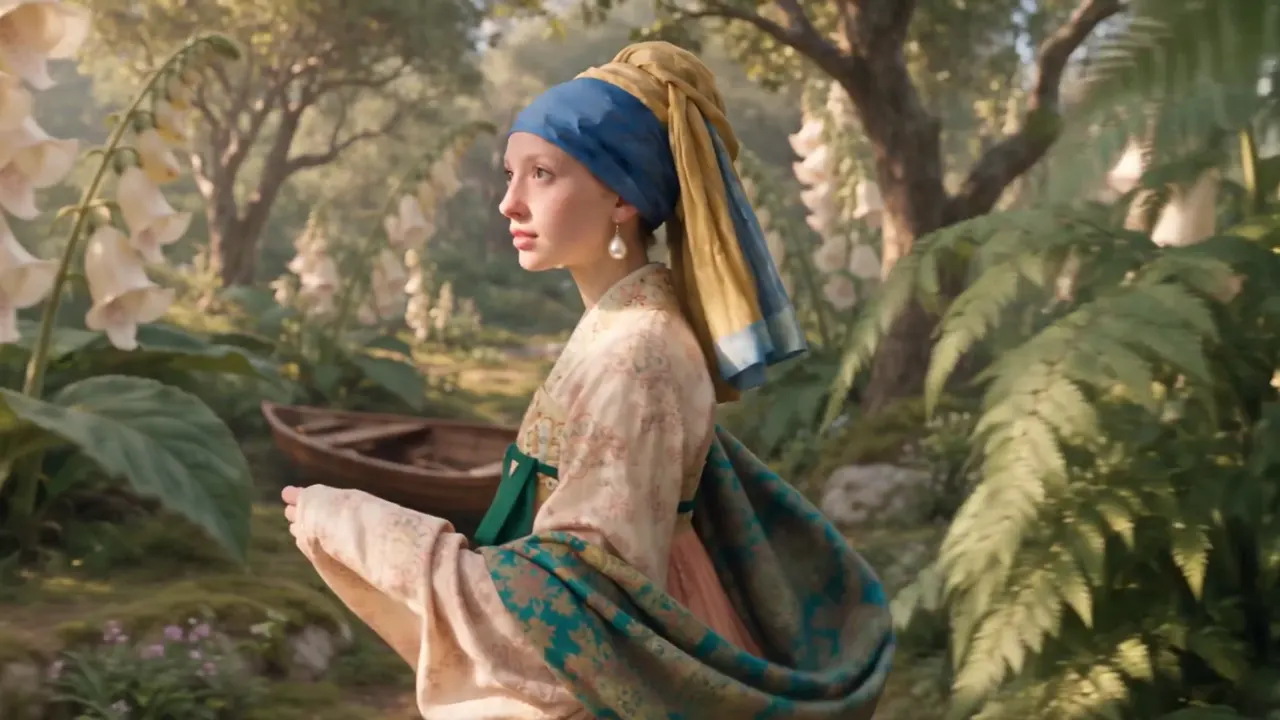
Girl with a Pearl Earring in a giant garden
A painted character stepping through a live-action world of giant flowers, with the camera changing angle as she goes.
Made with Magi 2 · published by Sand.ai
 With sound
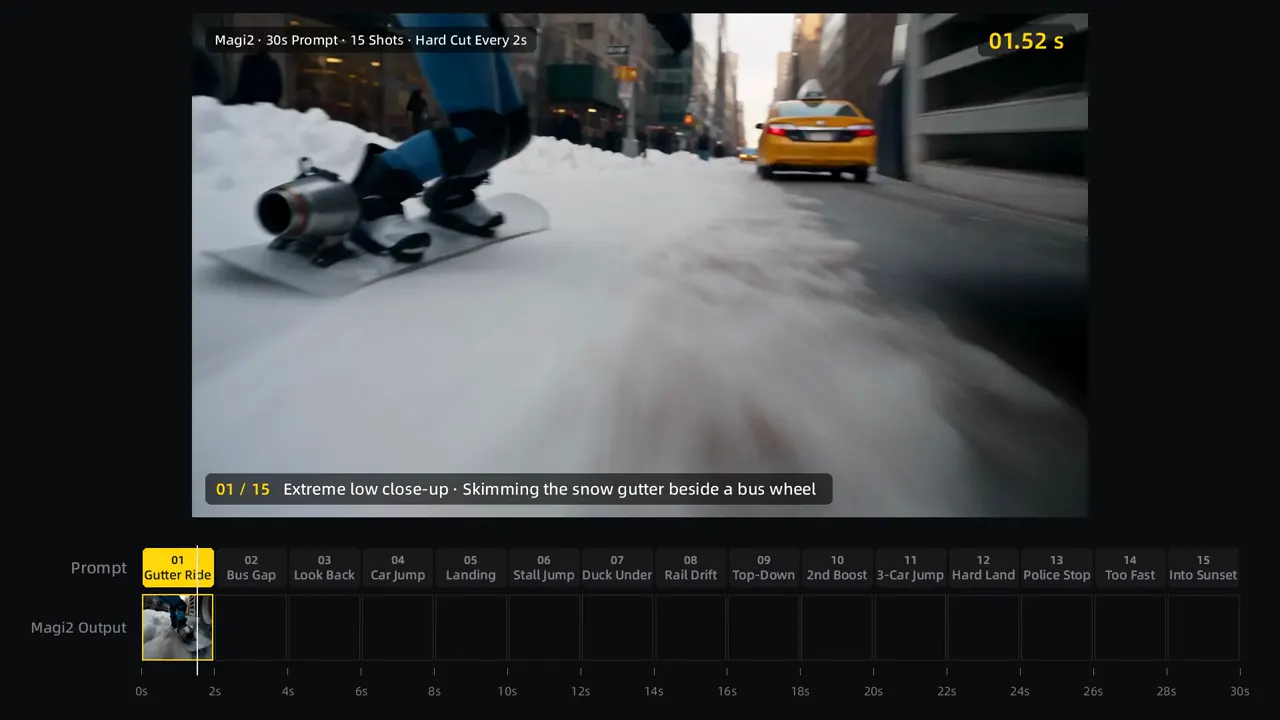
15 shots in 30 seconds
Sand.ai's timeline demo: a snowboard chase through New York, with each of the 15 shots placed on the timeline.
Made with Magi 2 · published by Sand.ai
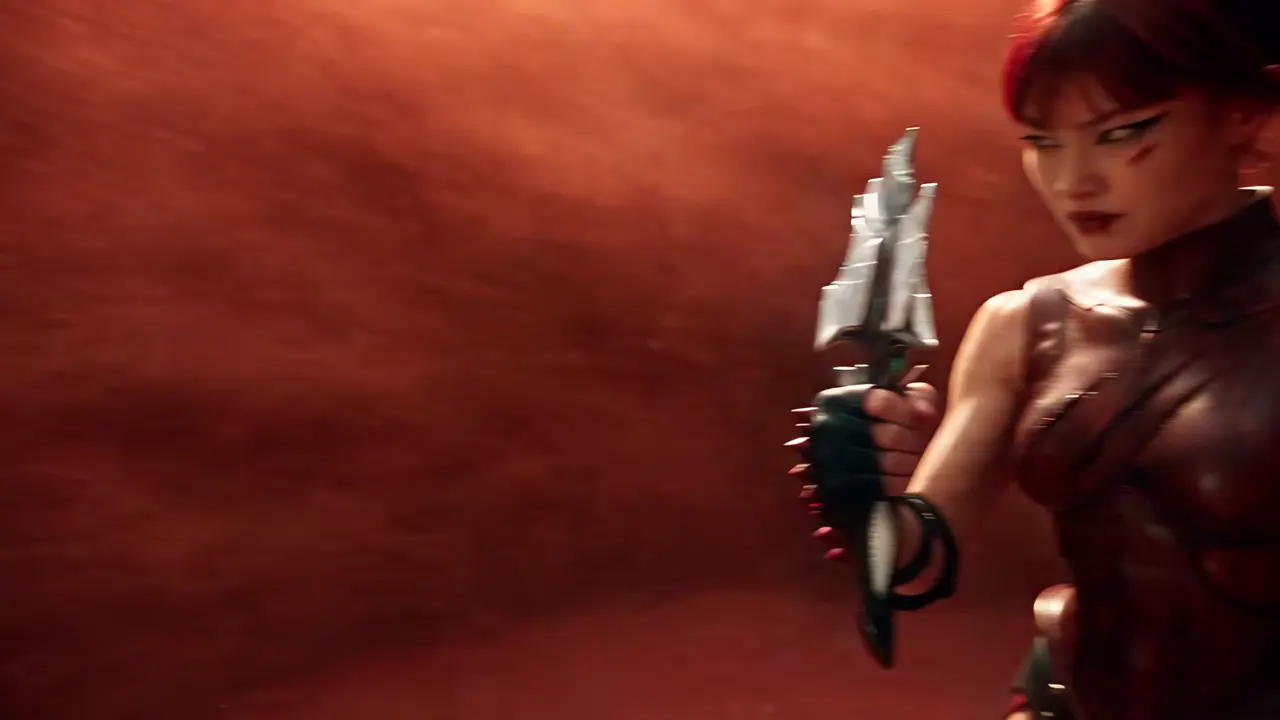 Published without sound
Desert warrior
Wind, sand and a glowing blade in a stylized action sequence that runs the full 30 seconds.
Made with Magi 2 · published by Higgsfield
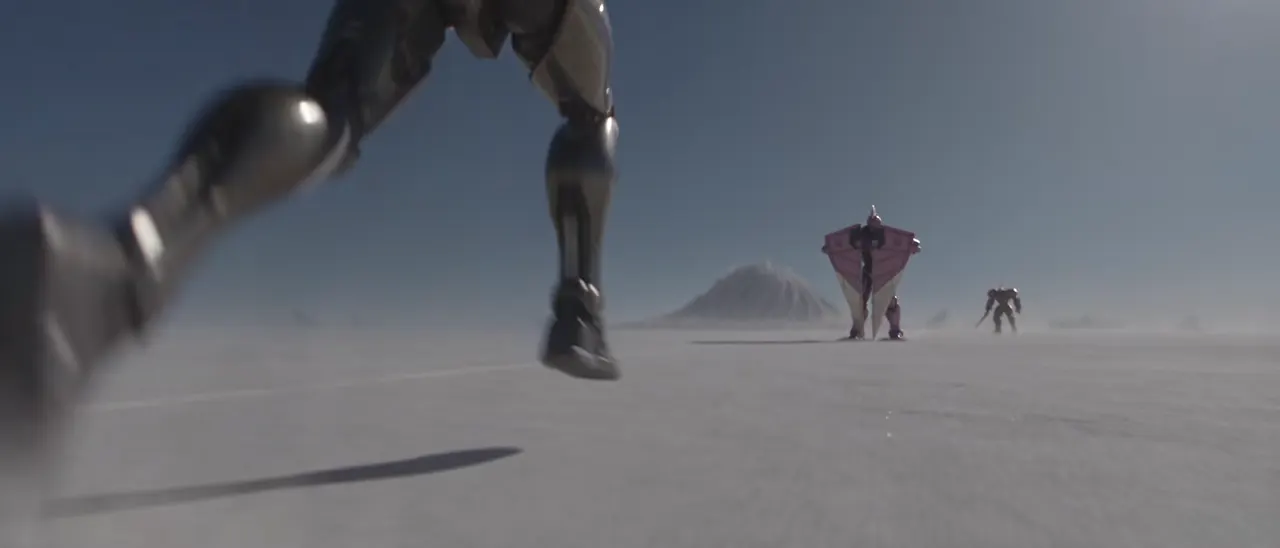 Published without sound
Mech battle
Giant robots trading blows on a salt flat, cut across close-ups and wide shots.
Made with Magi 2 · published by Higgsfield
What is MagiVideo AI?
MagiVideo AI is an independent AI video workspace on magivideoai.com. Generate clips from text or a photo with frontier models — Magi 2, Seedance, Kling, Veo and more — behind one prompt box.
Models that support native audio make dialogue, foley, ambience and music in the same pass as the picture. Clips run up to 30 seconds at 1080p and 25 fps, in six aspect ratios.
Beyond a text prompt you can attach references, place shots on a timeline, or edit part of an existing video — depending on the model you pick.
Magi 2 AI vs MAGI-2 Preview
Two releases share the name. This is how Magi 2, the November flagship available in MagiVideo, compares with the August research preview.
| MAGI-2 Preview | Magi 2 | |
|---|---|---|
| Released | August 2026 preview | November 2026 flagship |
| Parameters | ~114B total, 6B active | ~480B total, 28B active |
| Clip length | 10 seconds | Up to 30 seconds |
| Picture | Up to 1080p via refiner | 1080p upscaler, 25 fps, 6 ratios |
| Sound | Generated with video | Lip-sync, foley, ambience, music |
| Inputs | Text ± first frame | Text + up to 20 references |
| Editing | — | Timeline, shot cuts, edit existing |
| Open weights | Yes, Apache 2.0 | Not yet; planned |
Key features of MagiVideo AI
Up to 30 seconds in one take
Room for a full scene: a setup, several camera moves and a payoff, without stitching short clips together.
Sound made with the picture
Lip-synced dialogue, footsteps, ambience and music come out of the same generation.
Every frontier model, one box
Magi 2, Seedance, Kling, Veo and more behind the same prompt — switch models without leaving the page.
Up to 20 references
Mix images, clips and audio in one request to pin down characters, motion and voice.
Timeline and shot cuts
Place shots and cuts on a timeline — demos fit 15 shots into 30 seconds.
1080p at 25 fps, six shapes
Generated at 25 fps and upscaled to 1080p, in six aspect ratios for social or YouTube.
How to make a video on MagiVideo AI in 3 steps
- 1
Write a prompt or add a photo
Describe the scene, the action, the camera and the sound. To animate a picture, add it as the first frame.
- 2
Pick the model, shape and length
Choose a video model, then 9:16 for Shorts or 16:9 for YouTube, and the length. Credits update as you go.
- 3
Generate and download
Press Generate. MagiVideo saves the clip to your history and downloads an MP4 with no watermark.
MagiVideo AI pricing
Every new account gets 160 credits to try the generator, with no card needed. Every plan includes commercial use and downloads without a watermark.
Starter
$19.90/month
About 10 five-second clips a month
2,000 credits / month
- Clip cost varies by model, duration and resolution
- All generation models
- Commercial license
- Standard support
- Shared queue, 1 active job
Basic
$39/month
About 25 five-second clips a month
5,000 credits / month
- Clip cost varies by model, duration and resolution
- All generation models
- Commercial license
- Standard support
- Shared queue, 1 active job
Good to know before you use MagiVideo AI
- Renders at 1080p and 25 fps, from 4 to 30 seconds per clip. Short clips usually take a few minutes; 30-second clips and busy hours can take 15 minutes or more.
- Clip length, sizes and sound depend on the model you pick; the box only offers what that model supports.
- Describe one main action per shot. Several actions at once tend to look rushed.
- If a generation fails, its credits come back automatically.